


You can think of today as if it were a Tuesday, the rest of the week ahead of you, what a wonderful thought that is. If you did pretend it's still Tuesday, welcome to Tuesday Tune Ups! (If you didn't then enjoy these updates anyway).
Grab yourself a brew, pause those tunes, and have a good look at what's new to Frankly this April.
What's new?
- ProImager updates
- New Profile features
- Updated Font Generator (with many, many more fonts)
- New Mailbox!
Keep reading to find out more, or head straight over to any of these spots and discover for yourself!
ProImager Updates
What's New? is New
We've got a bundle of ProImager updates for you this time around, fixes and QoL tweaks, along with new features and a new Profile integration.
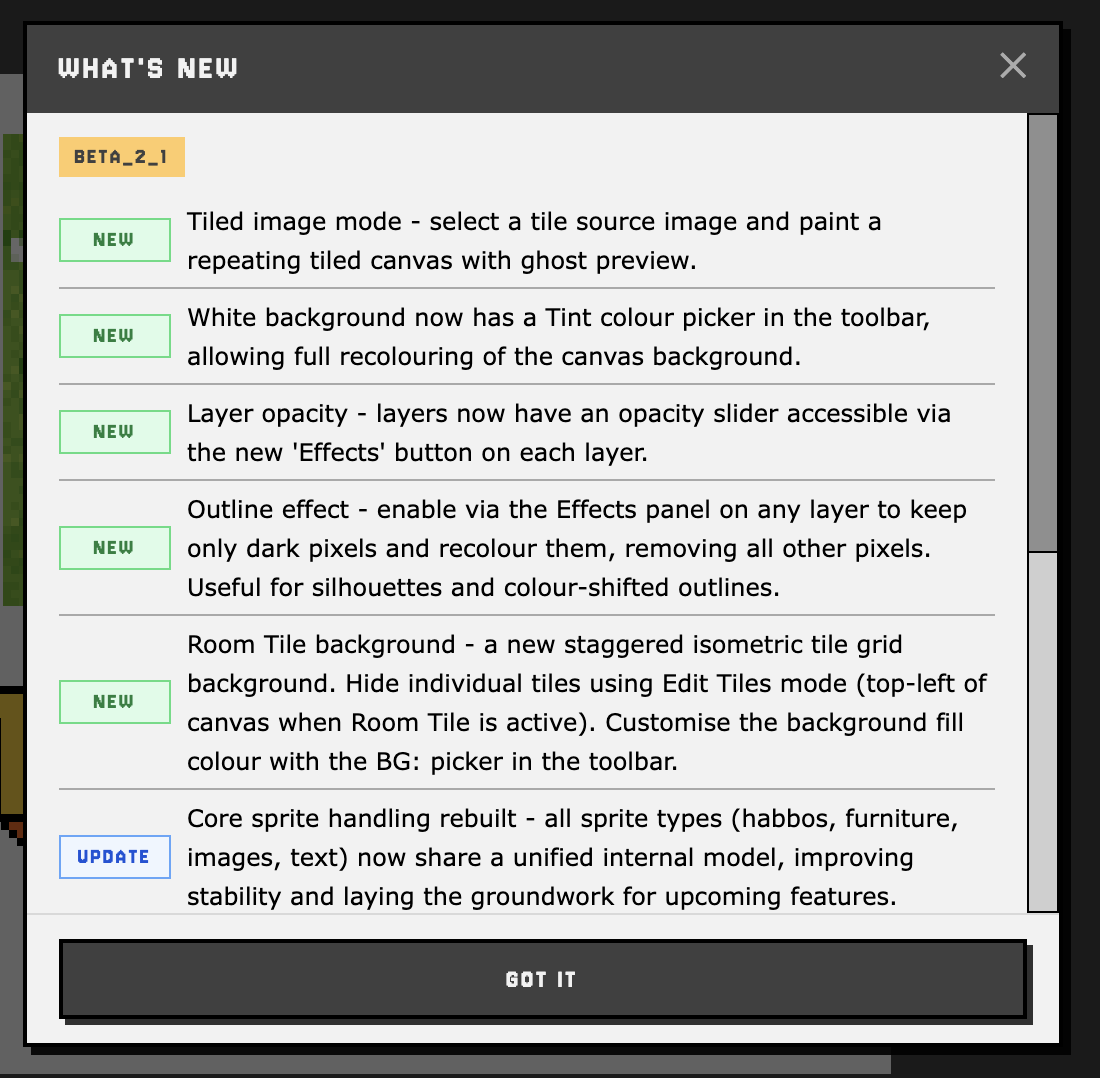
The biggest thing to be aware of (especially if you're particularly fond of the ProImager) is that future updates will only be briefly touched on in these articles. The ProImager is becoming such a complex tool that listing every minor update and bug fix just isn't practical - but have no fear! Every time the ProImager gets an update, you'll see a "What's New" menu, much like the one to the right. This "What's New" menu will list all of the new features, updated features and bug fixes that have happened in the most recent updates.
Layer Effects - Opacity & Outline
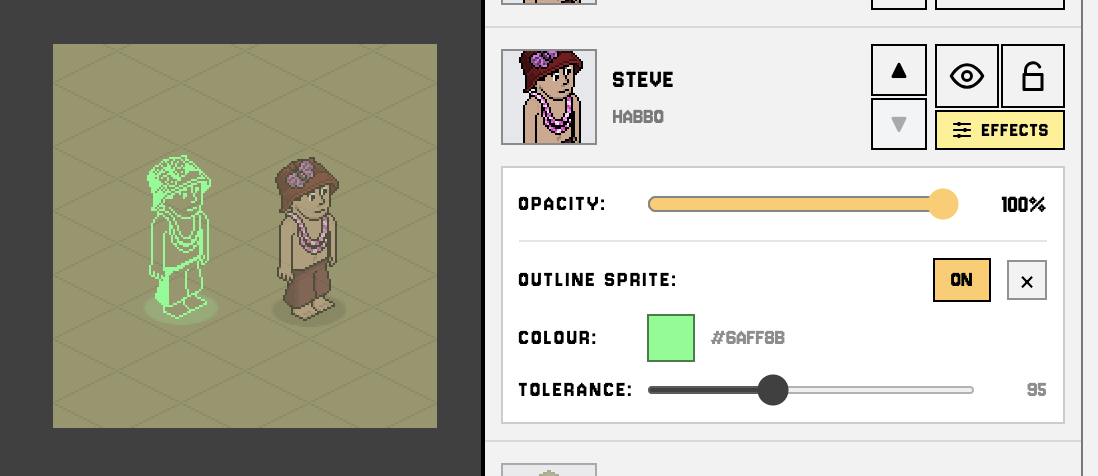
On each layer you'll now find an "Effects" button.
Clicking it will reveal the layers Opacity slider but it will also show any effects you've applied to that layer. You can add an effect by selecting a sprite and clicking the "Add Effect" button in the top left, then select "Outline". You can adjust the Tolerance level (which "dark" pixels to keep and recolour, along with a new colour for those remaining pixels.)
Tiled Images
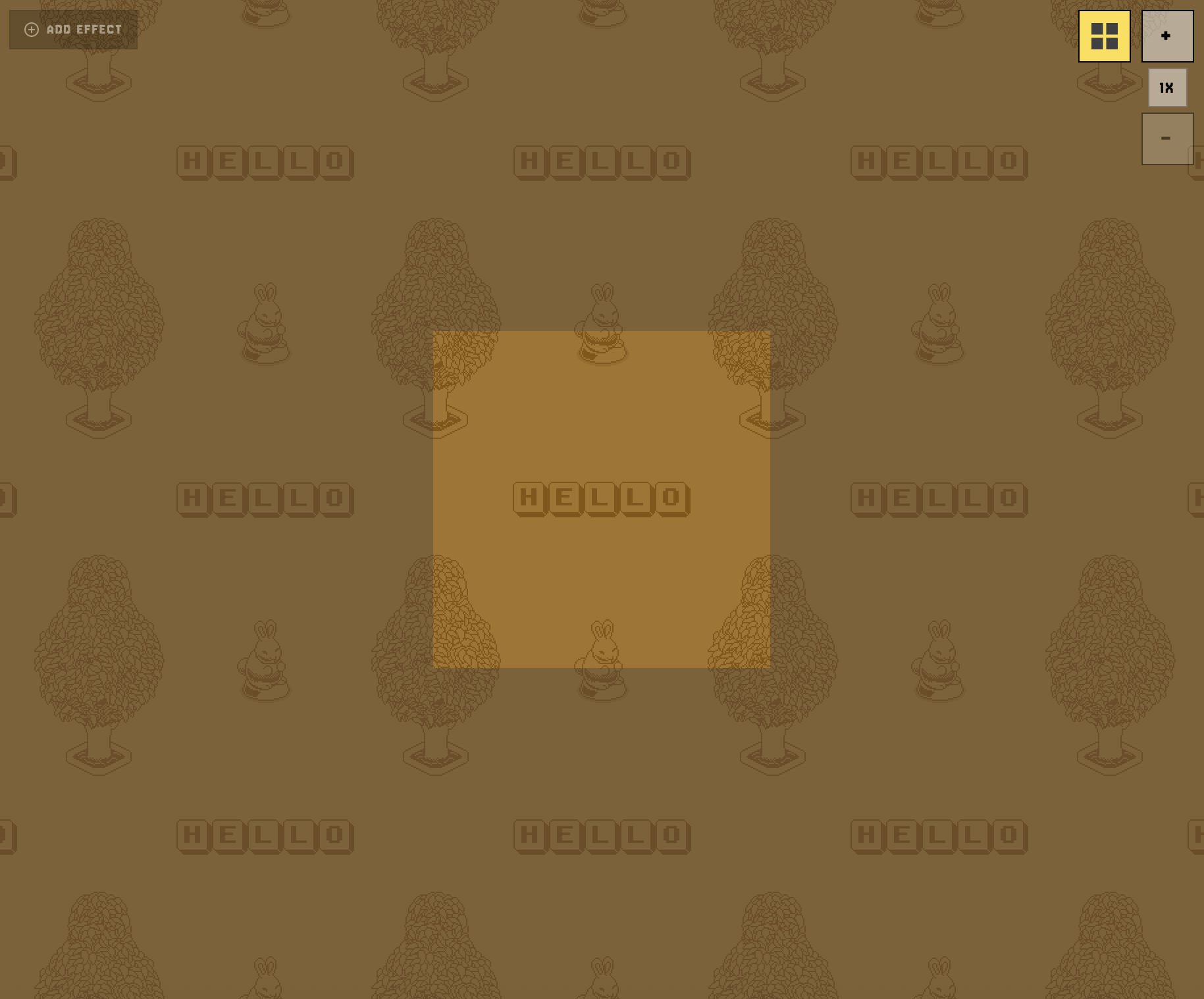
You can now create tiled images within the ProImager with ease! When creating a new image, instead of selecting a preset size (or entering a custom one) click the "Tiled" toggle instead. Then, select a size - they're all preset squares at fixed sizes to work with our grid backgrounds.
Once you create a new image in this mode you'll be able to drag sprites towards the edges of the canvas and they'll automatically appear on the opposite side to create a seamless pattern! Clicking the "Tile Preview" toggle next to the zoom will let you see how your tiled image would look!
While this might seem like a minor and slightly odd addition, read on later in this article to see why it's so important.
Room Tile
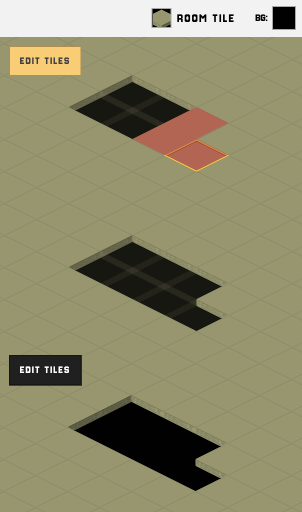
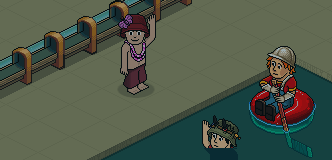
Something to note - due to the addition of this background type, but also the tiled image mode, the positioning of the Maroon and Grey (Tintable) grid backgrounds have been adjusted to align with the Room Tile background. This will mean the backgrounds in your older images will have shifted. There is a multi-select tool coming in future plans, so if this has ruined any of your imagery - please do wait for multi-select to save yourself some time.
Profile Backgrounds & Font Box Update
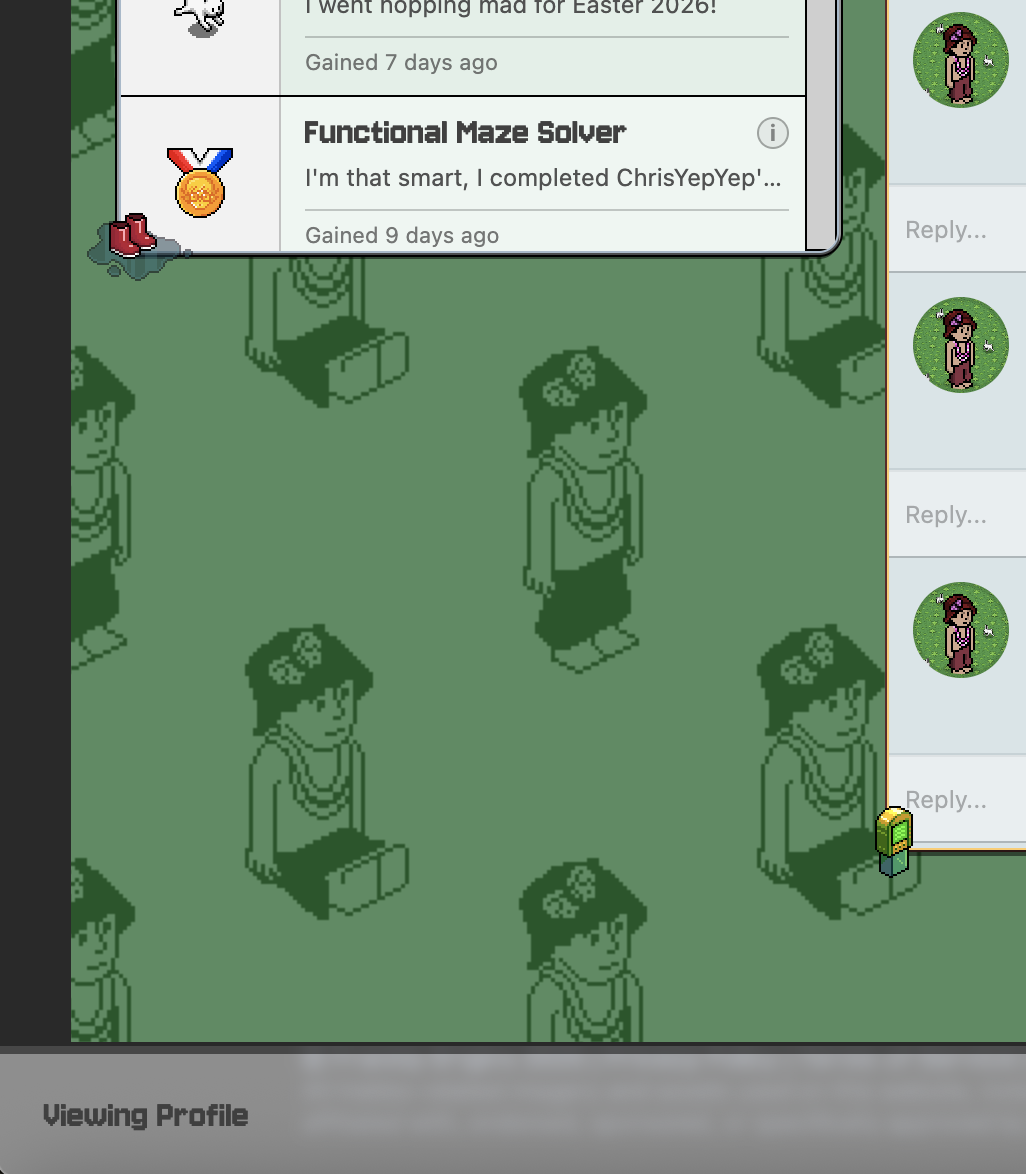
Profile skins are pretty cool, especially if you get something flashy and make it super duper cute (or so I've been told) but even then it just still doesn't quite feel like you does it? Where's the personality, or lack of personality?
To add a background to your profile, you can put those stamp cards away. This one's free at the cost of only your time and creativity. If you head over to the ProImager and try out the new "Tiled" mode (previously mentioned in this article), make something a bit funky, click Save and head back to your Profile, you'll be ready to really make a statement. Enter "Edit Mode" (not available on mobile) and on the bottom tool bar, where Background Colour used to be, you'll find a new button. Clicking that brings up a new modal that'll let you set the background colour and pick one of your tiled image creations.
Font Box
The Font Box on your profile also has a couple of new settings to make your life a little easier. You can now decide if you want your font text image to show up pixelated or not (this can have a huge impact on how different fonts appear) and also whether you want the text to be resized to the box, or it's 100% natural size (up to the max width of the box itself).
Updated Font Generator
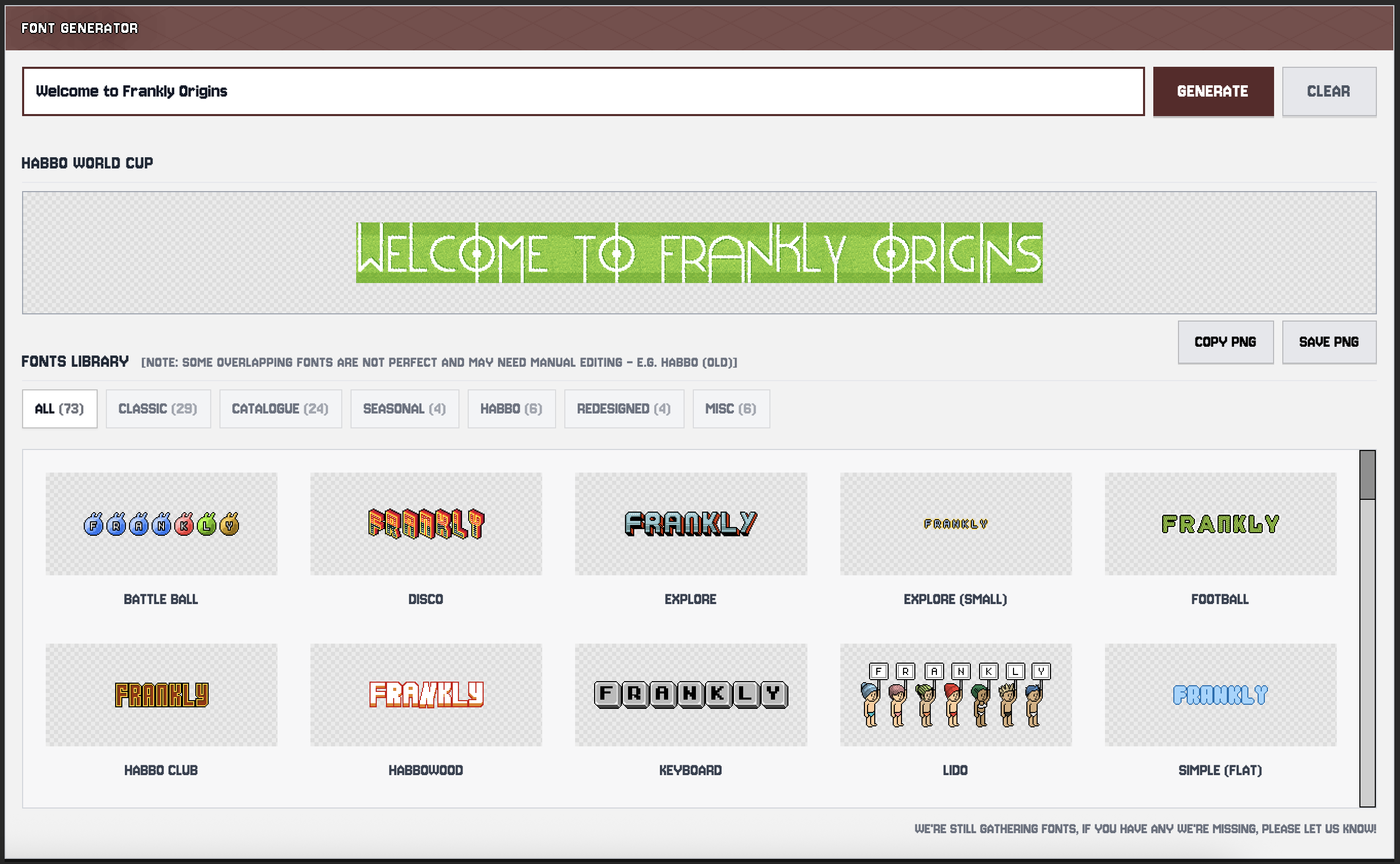
This update is for the Font Generator page available under goodies only, while the new fonts appear and work in the other places, the new design is only available on the generator's page itself. We've been slowly trawling through our Habbo archives and bit by bit we're finding, attempting to fix, converting where needed and individually adding as many fonts as we can possibly bring you. While we're still missing some that other websites use, we've also uncovered a few that appear to be lost to time!
More fonts will be coming in future batches, please do let us know of any minor issues or if you happen to have any font files we're missing!
 |
New Mailbox!
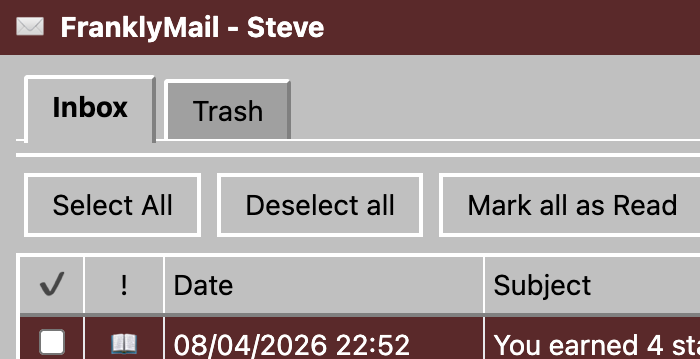
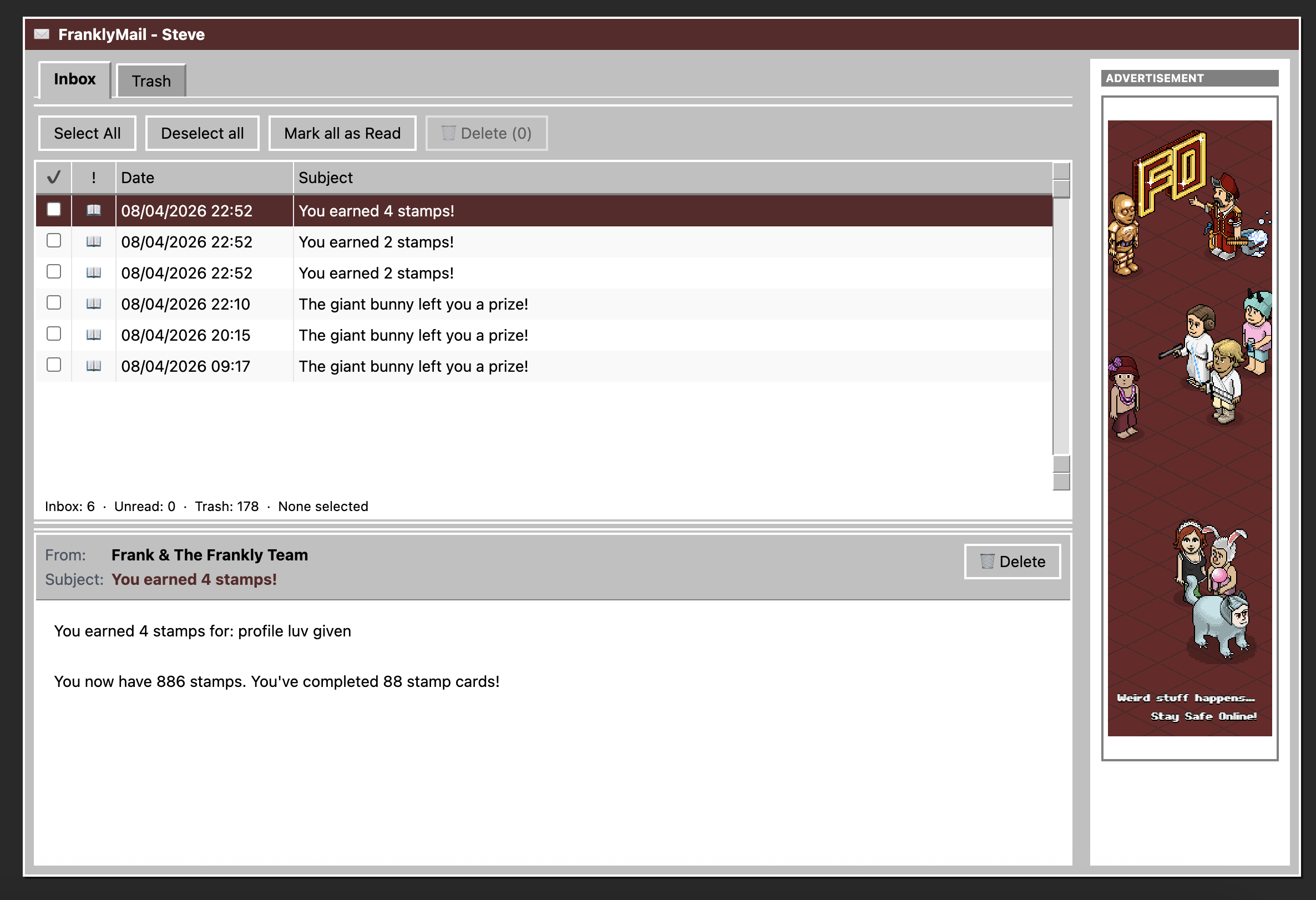
The mailbox you've known to hate was only ever supposed to be a temporary fix, we didn't expect to get stuck with it for so long, but other things took priority. Worry no more! We've got a super modern, super sleak, definitely not stuck in the early 2000's, brand new mailbox for all your Frankly messages. Got 3000 unread messages? Delete them all!
A second update will come to the mailbox in the future, this will make the messages themselves a little more fun and on style too!
 |
We've got even more updates coming your way throughout April so keep checking back and make sure you're saving up those stamps - you're going to need them..
Much love, happy weekend!
Steve