


So maybe you have spotted some pixel furni you absolutely need (we get it, no judgement here), or maybe you just want to throw a bit of support behind Origins and help keep the hotel lights on. Either way, you’re probably wondering how to actually purchase Habbo Credits.
Well this is the guide for you!
Sooner or later most players end up needing a few credits. Whether you're decorating your room, grabbing something from the catalogue or jumping into games like Battle Ball, credits unlock a lot more of what Origins has to offer.
This guide will walk you through how to safely purchase credits through the official Habbo Origins website and get those shiny coins into your purse.
Finding the shop
To purchase credits, you’ll first need to head over to the official Habbo Origins website and make sure you're logged into the account you want the credits to be delivered to.
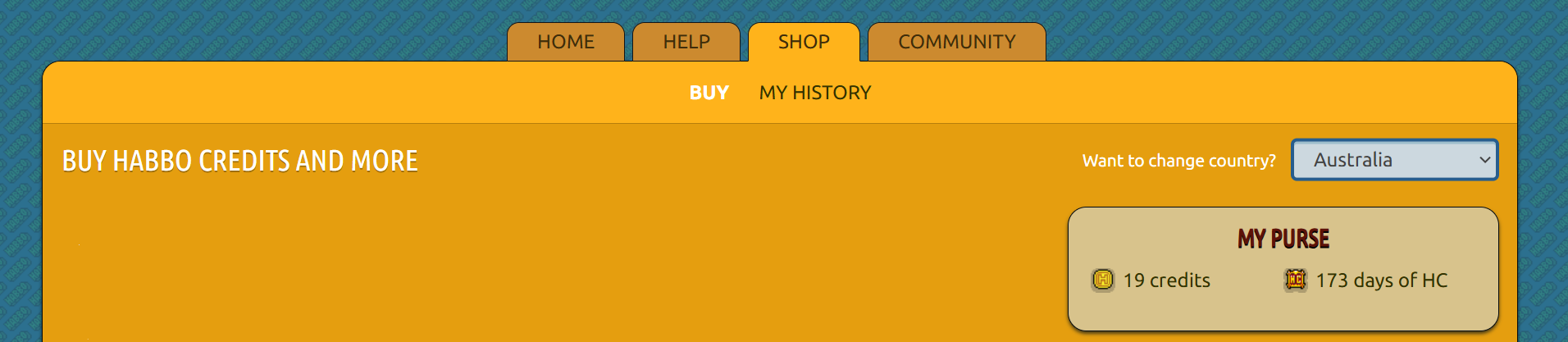
Once you're logged in, click ‘Shop’ in the navigation bar at the top of the page to open the credit store.
Take a moment to browse through the options. Some bundles may offer slightly better value depending on how many credits you're planning to buy and every now and then Habbo will throw in a bonus promotion too. Thanks Dave!
You might also notice that the currency shown can change depending on your country, which can affect the payment options available.
 |
Choosing a credit bundle
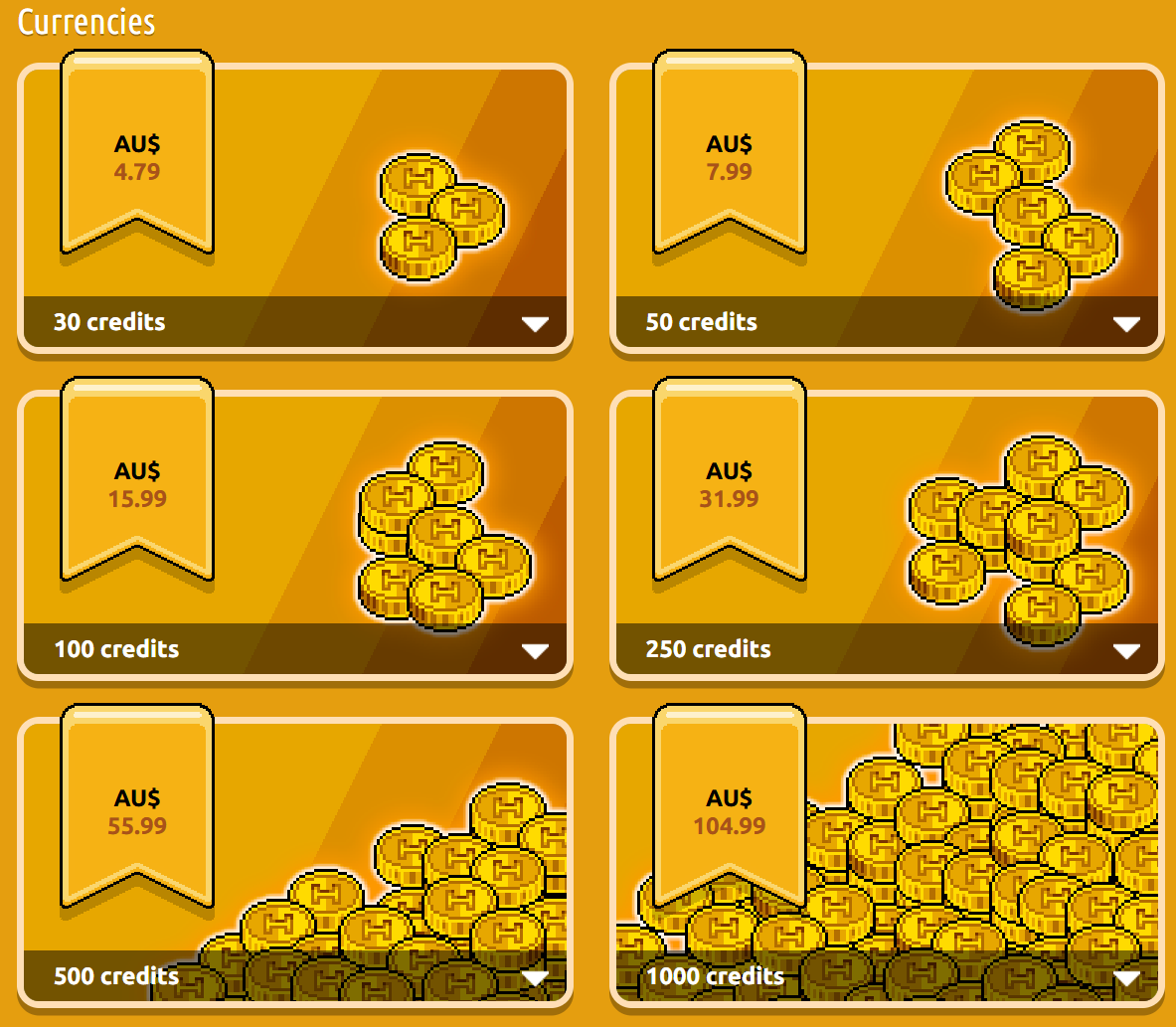
Once you’re in the shop, simply pick the credit bundle that suits what you're looking for.
Some players prefer buying small amounts when they need them, while others like grabbing a larger bundle so they’ve always got credits ready when the perfect furni appears in the catalogue.
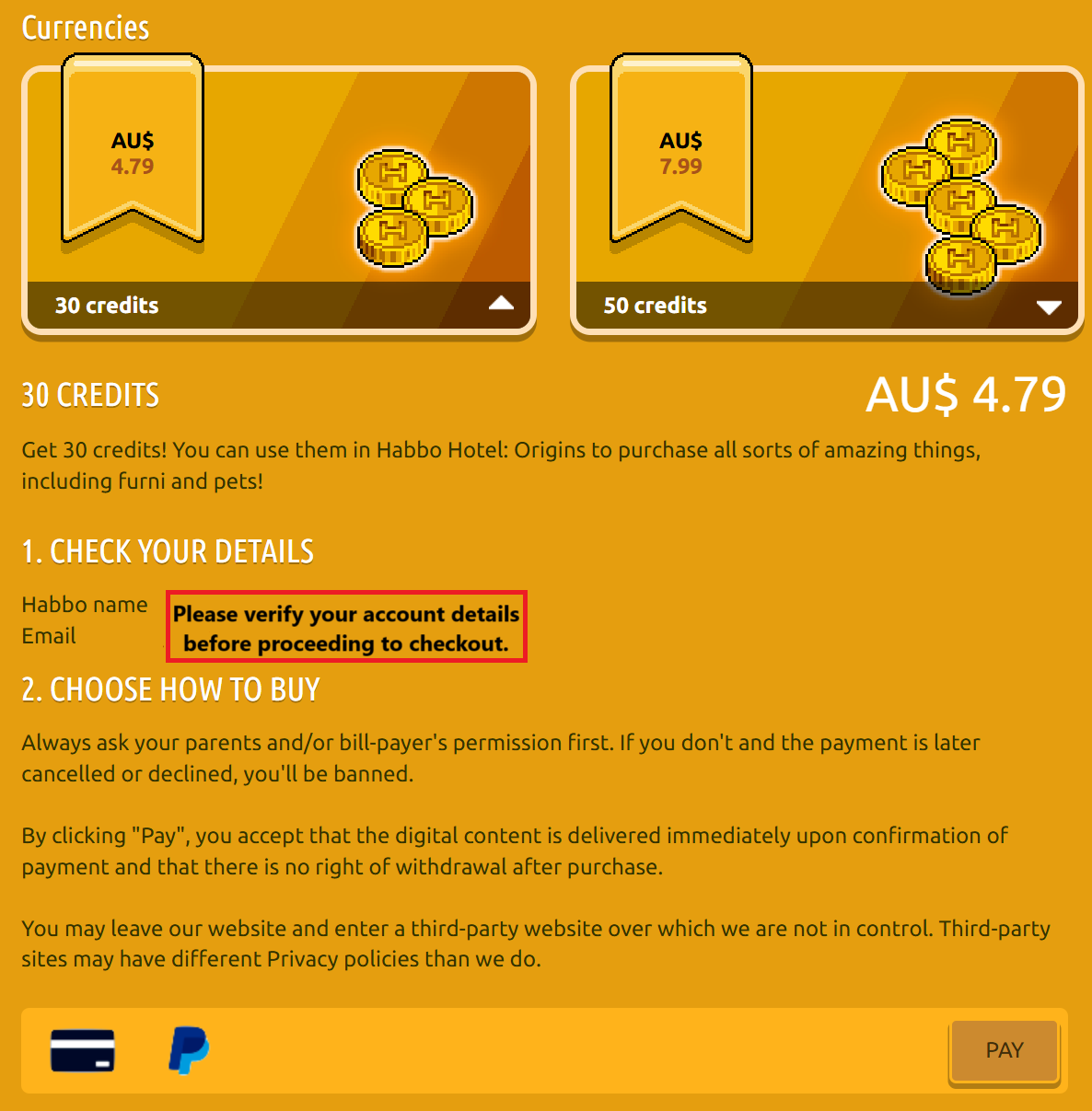
When you’ve found the bundle you want, select it and continue to the payment screen.
|
|
Completing your purchase
The checkout process itself is pretty straightforward and will guide you through everything step by step.
Habbo Origins currently supports payment methods such as:
• Credit / Debit Card
• PayPal
After selecting your payment method, just follow the instructions shown on screen. In some cases you may be redirected to a secure third-party payment provider to complete the transaction before being returned to the Habbo website.
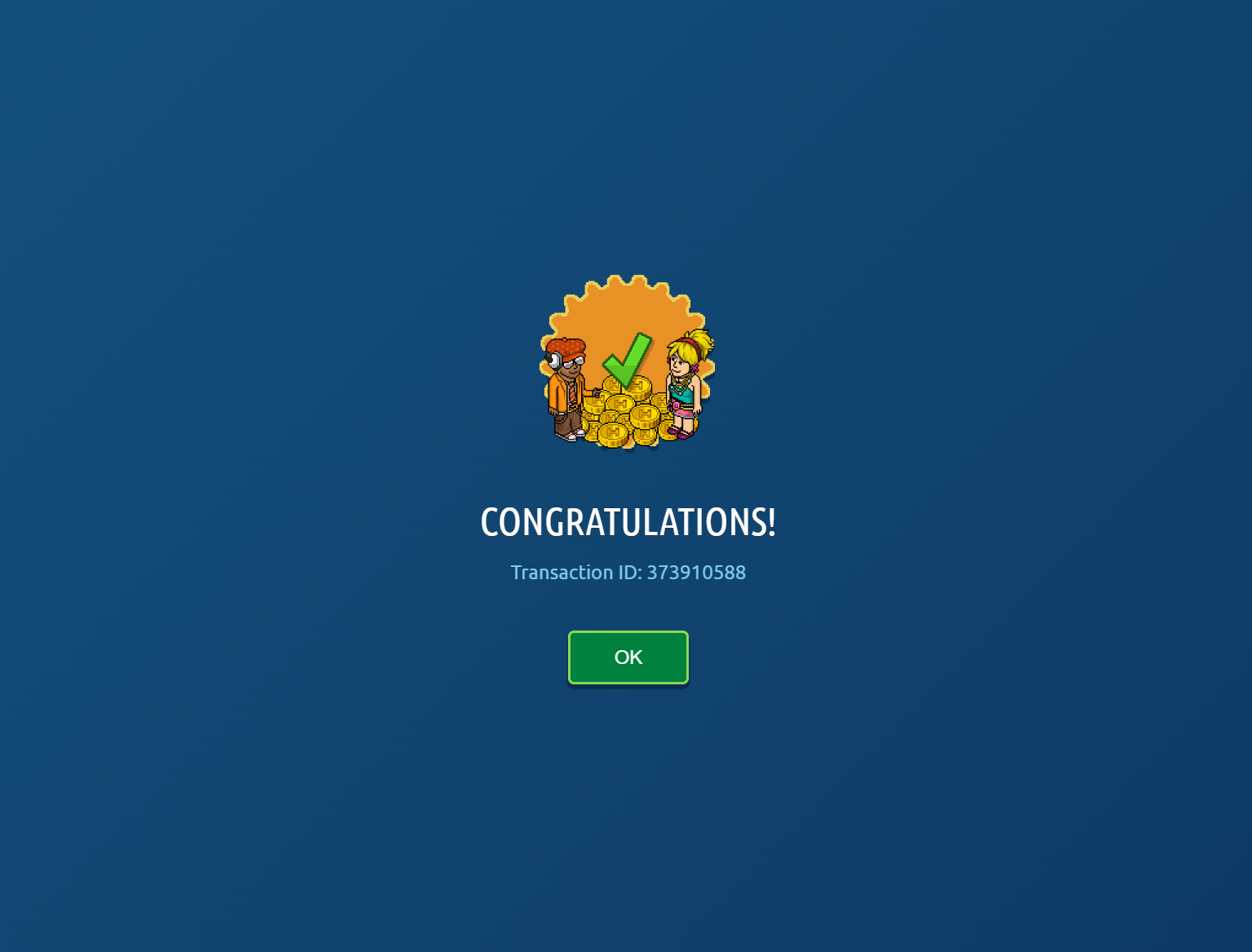
Once the payment is successful, you should receive a confirmation message and an email.
 |
Alternative: Purchasing credits through Steam
If you’re playing Origins through the Steam client, there’s another way to purchase credits without needing to visit the website shop.
When running the game through Steam, attempting to purchase credits in-game will prompt Steam to confirm the transaction through its payment system.
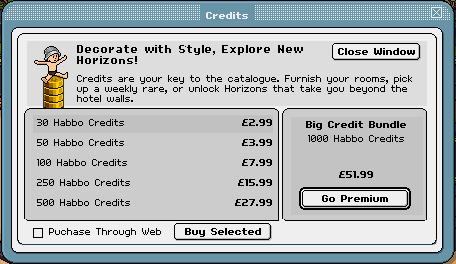
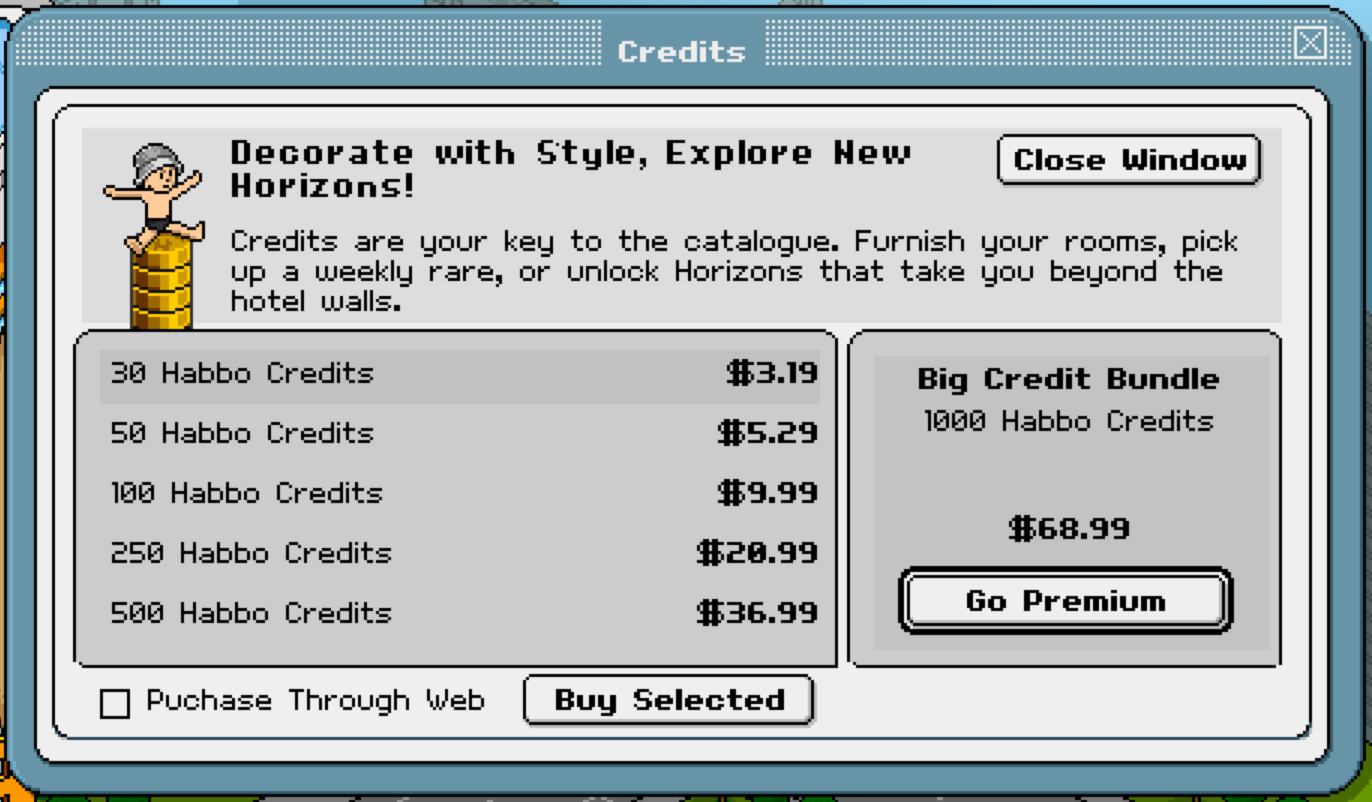
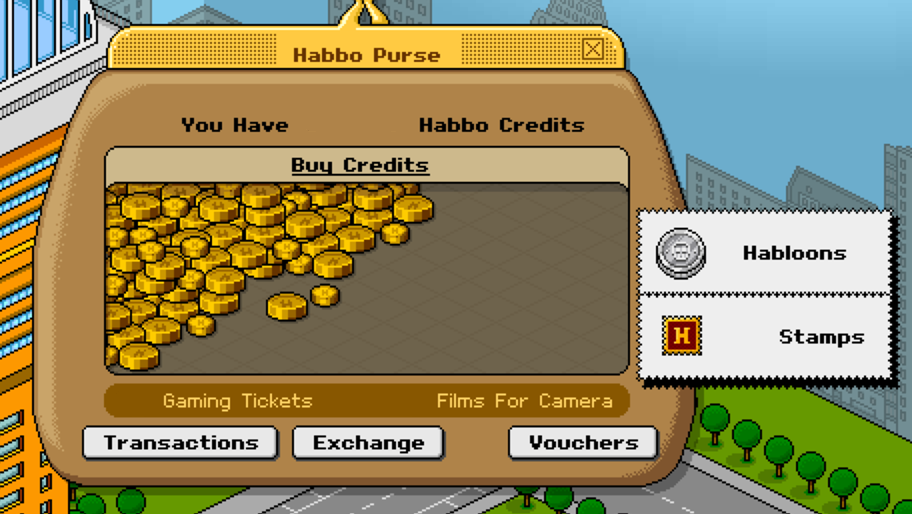
If you’re unsure where to find this option, simply click on your Habbo purse and then select ‘Buy Credits’. You’ll then be greeted with a small popup window showing the available credit bundles.
Please note that the prices may appear in USD depending on your Steam region, so you may want to double check the conversion to your local currency before completing your purchase.
You can complete the transaction using:
• Steam Wallet funds
• Any payment method linked to your Steam account
Once the purchase is confirmed, the credits will be delivered to your Habbo account just like a normal credit purchase.
In most cases the prices are very similar to those in the official Habbo shop, although small differences can sometimes occur depending on currency conversion or regional pricing handled by Steam.
|
|
Where do your credits go?
Once the purchase has been processed, your credits will automatically appear in your in-game purse.
From there you’re free to spend them however you like. Most players end up using credits for things like:
• Buying furniture for their rooms
• Purchasing game tickets for Battle Ball or Wobble Squabble
• Purchasing Habloons (Checkout our Habloons guide here)
• Trading or gifting items with other players
Basically… all the fun stuff that makes the hotel feel alive.
 |
Having trouble with a purchase?
If something doesn’t look quite right or your credits haven’t appeared after completing a purchase, don’t panic. Most payment issues can usually be sorted out fairly quickly.
Your best option is to check the Habbo Origins Helpdesk FAQ or submit a support request through the official support channels so the Habbo team can take a look.
And that’s it! Once your credits are in your purse, you’re ready to start decorating, trading and making your little corner of the hotel your own.
Don’t forget to practise responsible spending gang! This is my first Frankly guide too so if you found it helpful, please drop some love below <3