

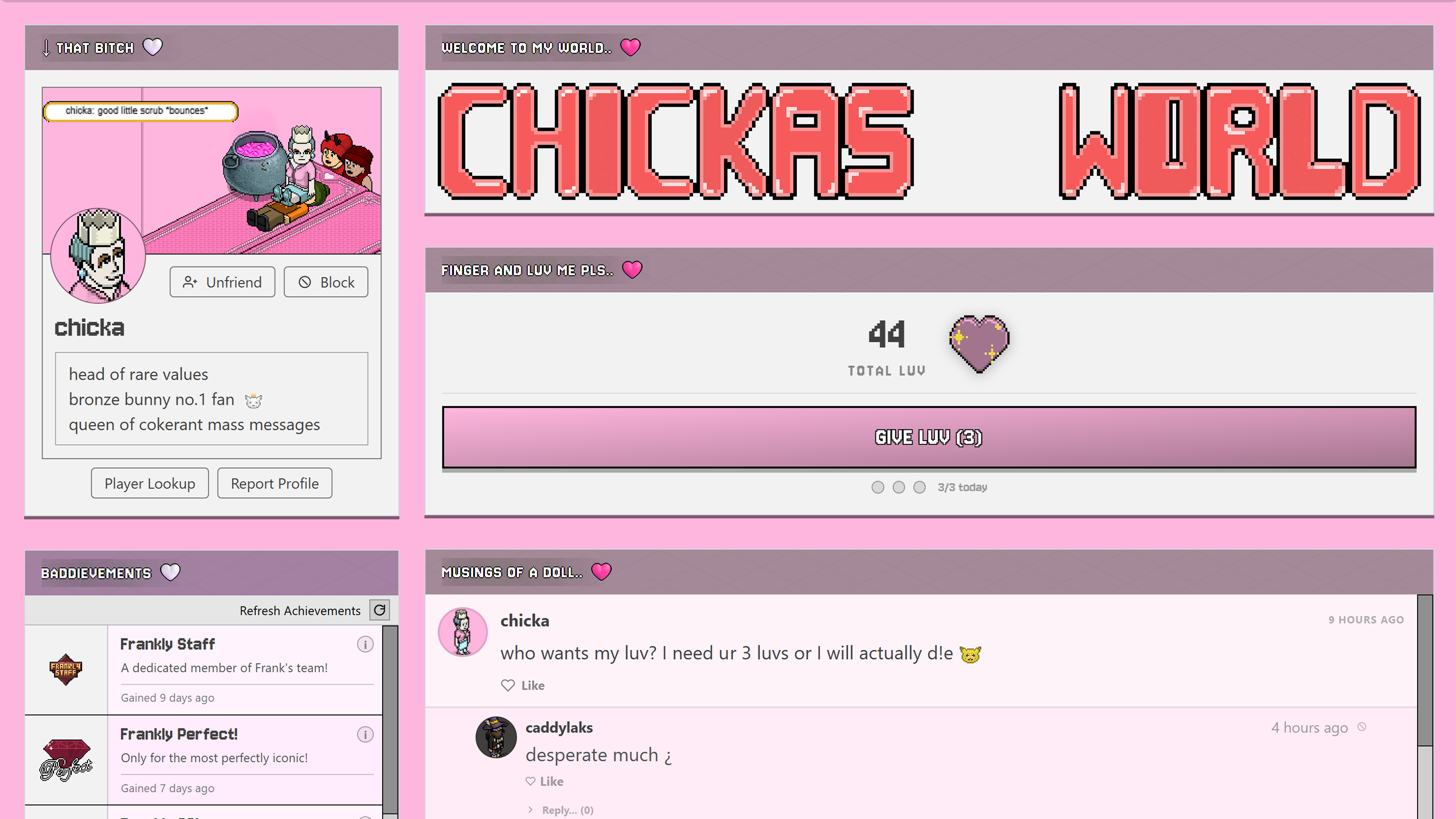
If you haven't already discovered, Frankly has some beautifully retro-inspired profile pages for you to customise! With a posting system that feeds directly to the community, a YouTube feature and a Luv feature that you can spend on your friends daily! In this guide I'll take you through the features and how to adjust everything to your liking :)
Your Profile
To find your profile page, click your username where it says 'good morning/afternoon' on the top right side of the main Frankly navigation bar. A dropdown should appear with a button for your profile immediately under your cursor. Alternatively you can go to members > my profile.
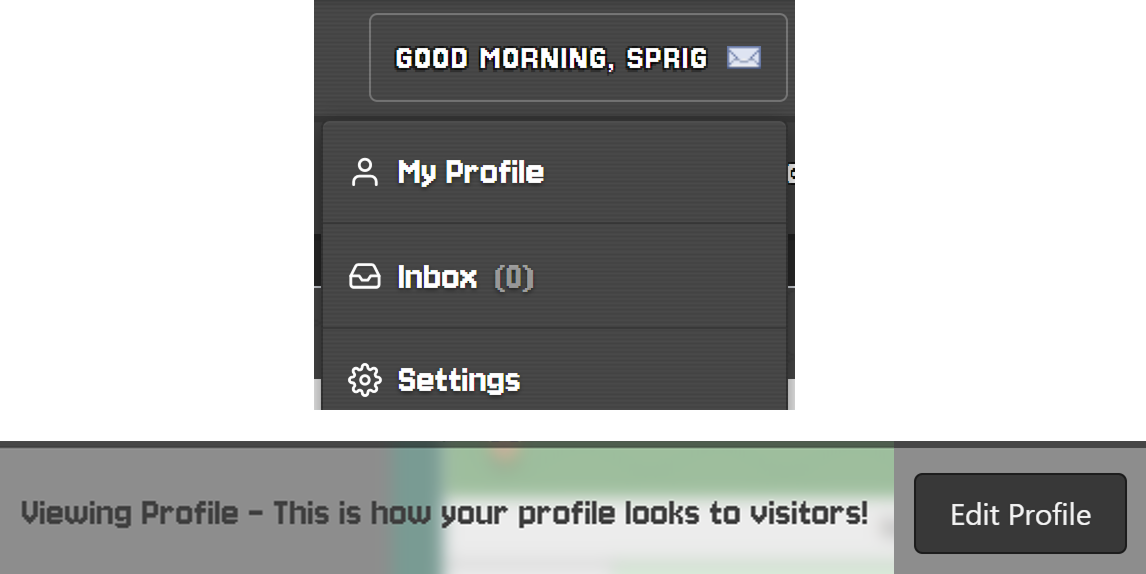 |
Your profile will look a little bland and empty with several grey containers waiting for your creativity, so let's start by clicking 'edit profile' at the bottom right of your profile. This will activate edit mode and each of these boxes are now adjustable.
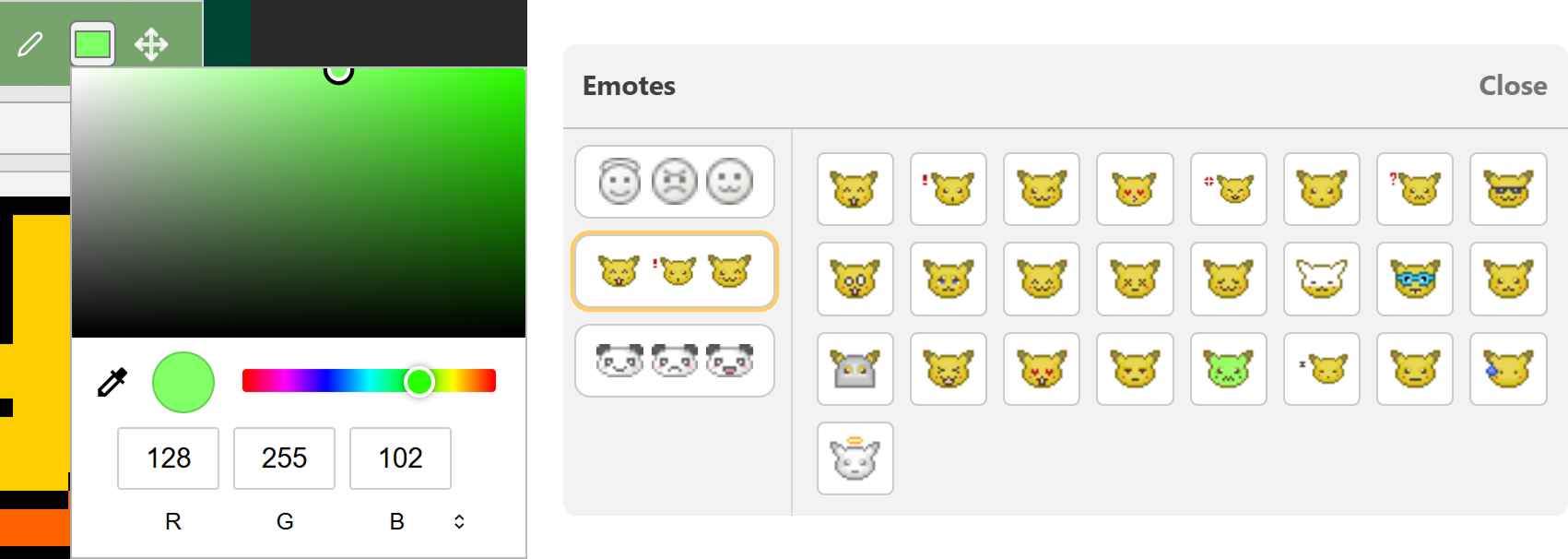
We've talked about self explanatory tools before and I'm sure you'll figure out a lot of these by yourselves, but let's go through them anyway!! You'll find a pen symbol at the top of each box that allows you to edit the header title (you can even add emojis or Frankly emotes!), a colour picker for the header colour, and even re-arrange the boxes by dragging them around!
 |
Bio & Header
The first box on your page is for your avatar, banner, bio, pronouns etc. Your profile picture is pre-filled and cannot be changed, but you can change the background colour with the colour picker! Your banner image can only be something you've created and saved in our Pro Imager tool (Pro Imager Guide Here). Your bio and pronouns are entirely customisable - feel free to use any vocabulary as we are an 18+ community, just please nothing disrepectful or intentionally malicious. Thank you. You'll also find the 'add friend', 'block', 'player lookup' and 'report' buttons for other players in this box, use them wisely!
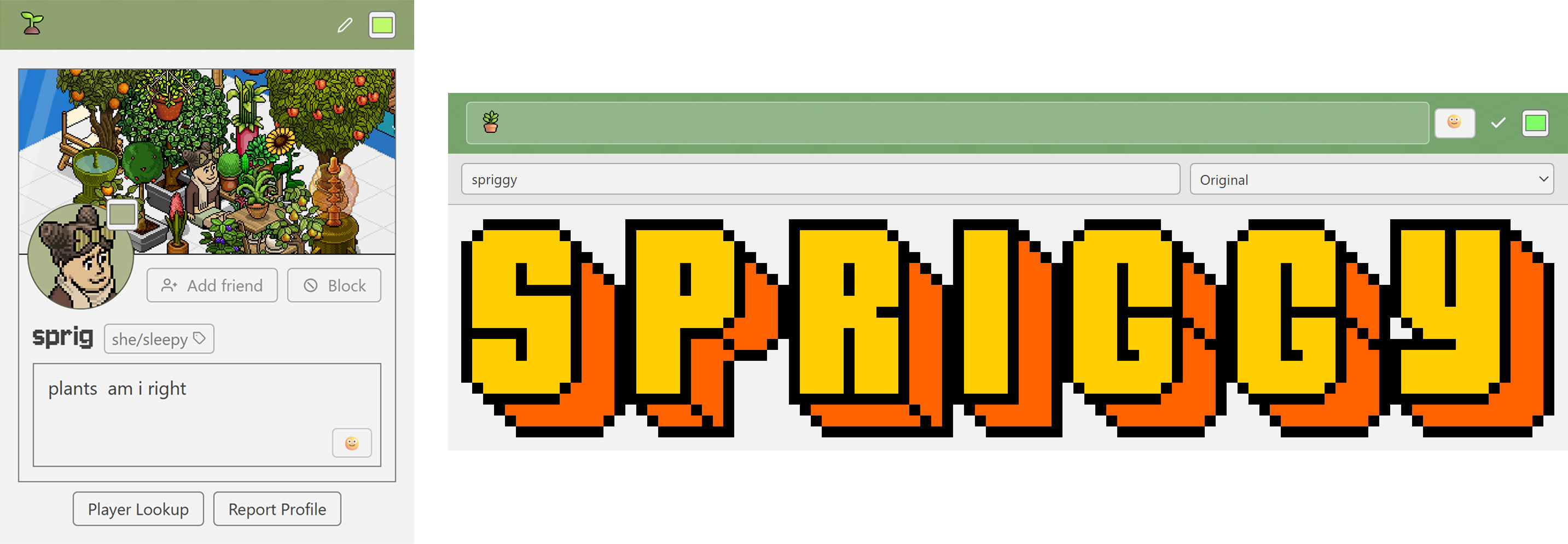 |
The header box is one of my favourites, giving us access to several Habbo fonts used throughout the decades. This is where you can make the boldest of statements and it looks really retro and snazzy in my opinion. Click the box where it says 'original' in my screenshot to access the dropdown menu of available fonts!
Luv & Achievements
Do you remember the Luv feature on Bebo? The Frankly devs are determined to give us buckets of nostalgia wherever we look and this is no different. Visit your friends' profiles and click the 'Give Luv' button on their boxes to share the love! But be warned, you only have 3 daily Luv to give out!! A little bird told me that you might unlock a special Luv badge after a certain amount of Luvs are given out! :)
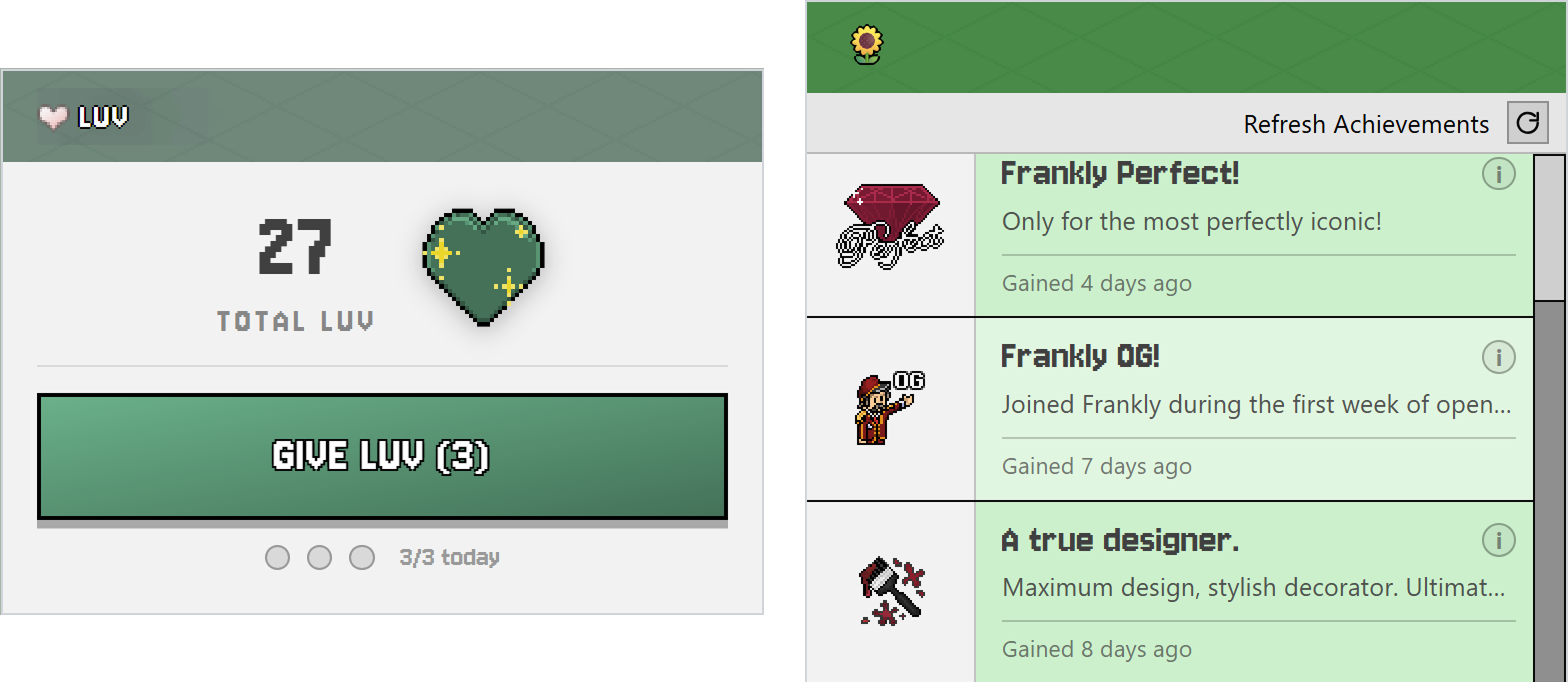 |
The achievements box is for all badges unlocked on the Frankly site! We love giving out badges, and you might even find another secret one (unrelated to Luv) while editing your profile!!
Community Posts & Video
The post box is for you to unburden yourself of all your deepest thoughts and desires, and share them with us, the questionably unhinged Habbo Hotel Origins community! This is where your posts will be seen on the Community Posts page, and your friends will be able to like and respond to you via these posts. You can lightly format your posts and add cute Frankly emojis too. You should receive inbox notifications when your posts are replied to so that you don't miss anything!
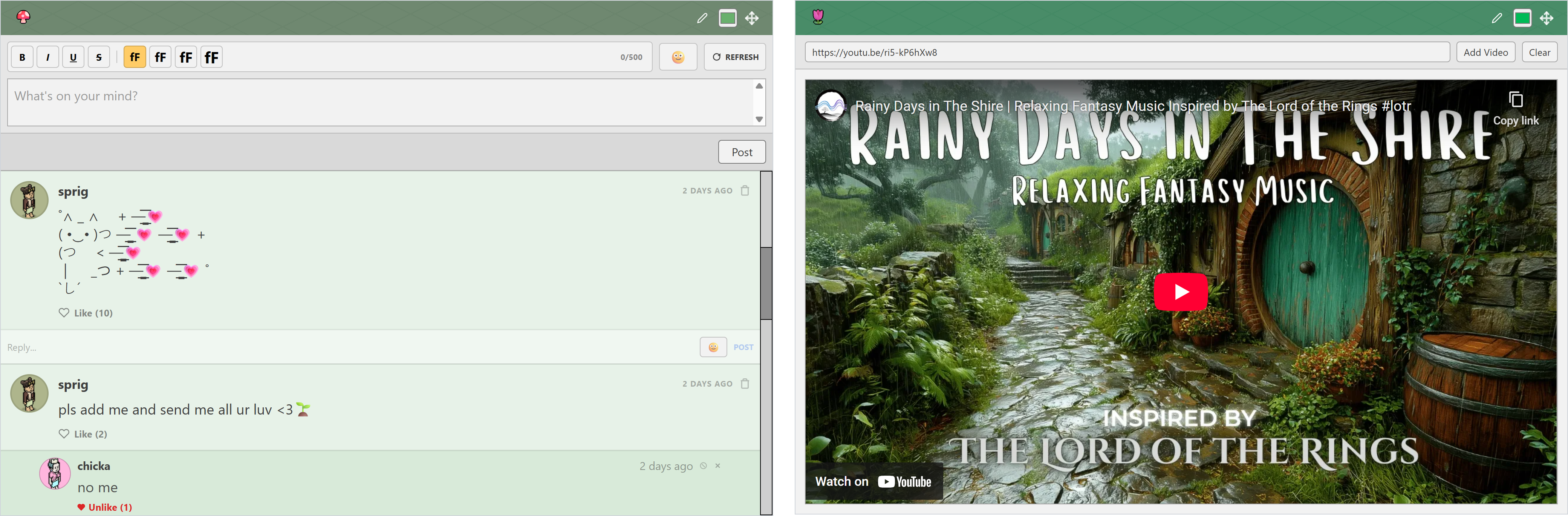 |
The default titled 'check this out!' container is for adding a video from YouTube that brings you joy or you feel better describes your personality. Or... just want to post a silly video to your page? We've got you.
Friends List & Page Background
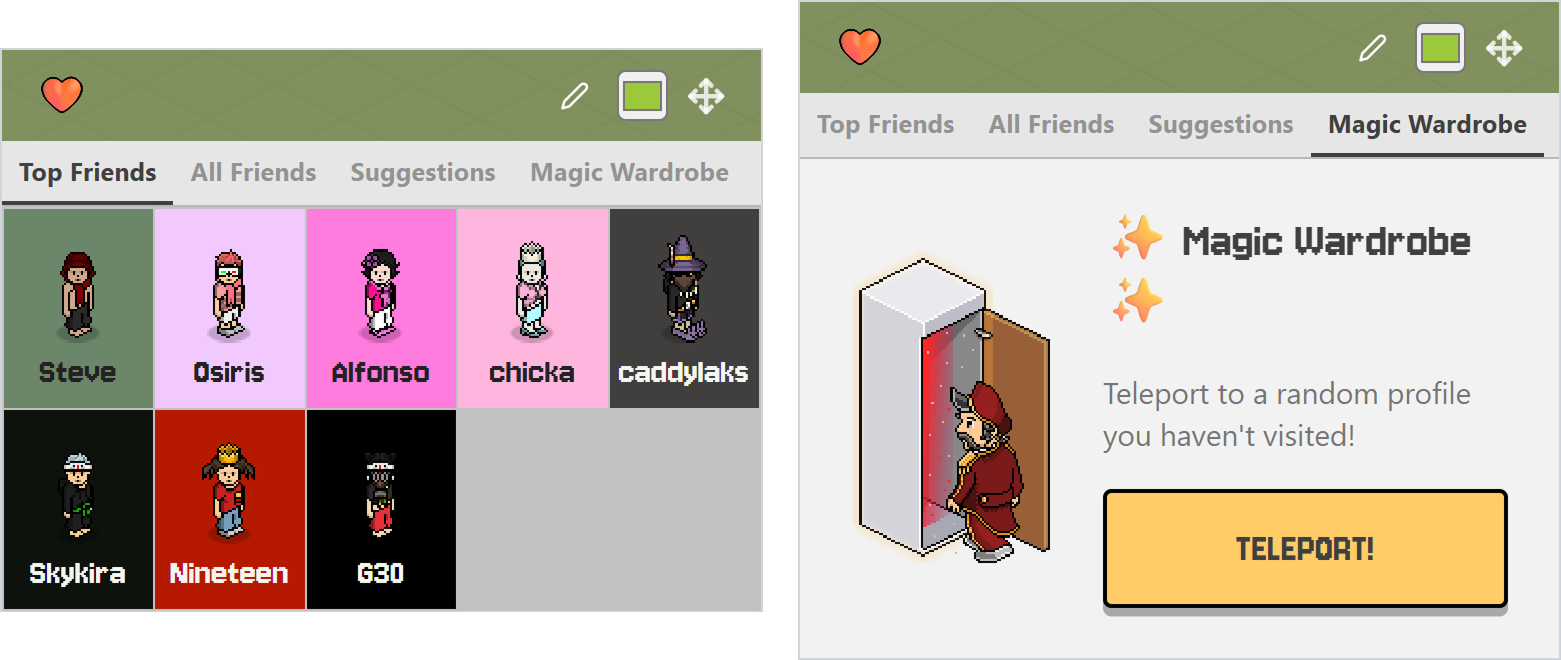
This box will display your top friends by default, and you can add friends to your top list by clicking 'all friends' while in edit mode and then clicking the star on your favourite friends so that it's highlighted! You can also find mutual friend suggestions here, along with a pretty neat 'Magic Wardrobe' feature (still in beta) that will take you to a random profile you haven't visited yet!
 |
Before you save your changes, you might spot the page background colour box at the bottom of the page. Don't forget to play with this to bring your whole page together! :)
I think that covers most of the features found on your profile page - but as always I've kept it vague enough that you'll be able to discover things on your own as well.
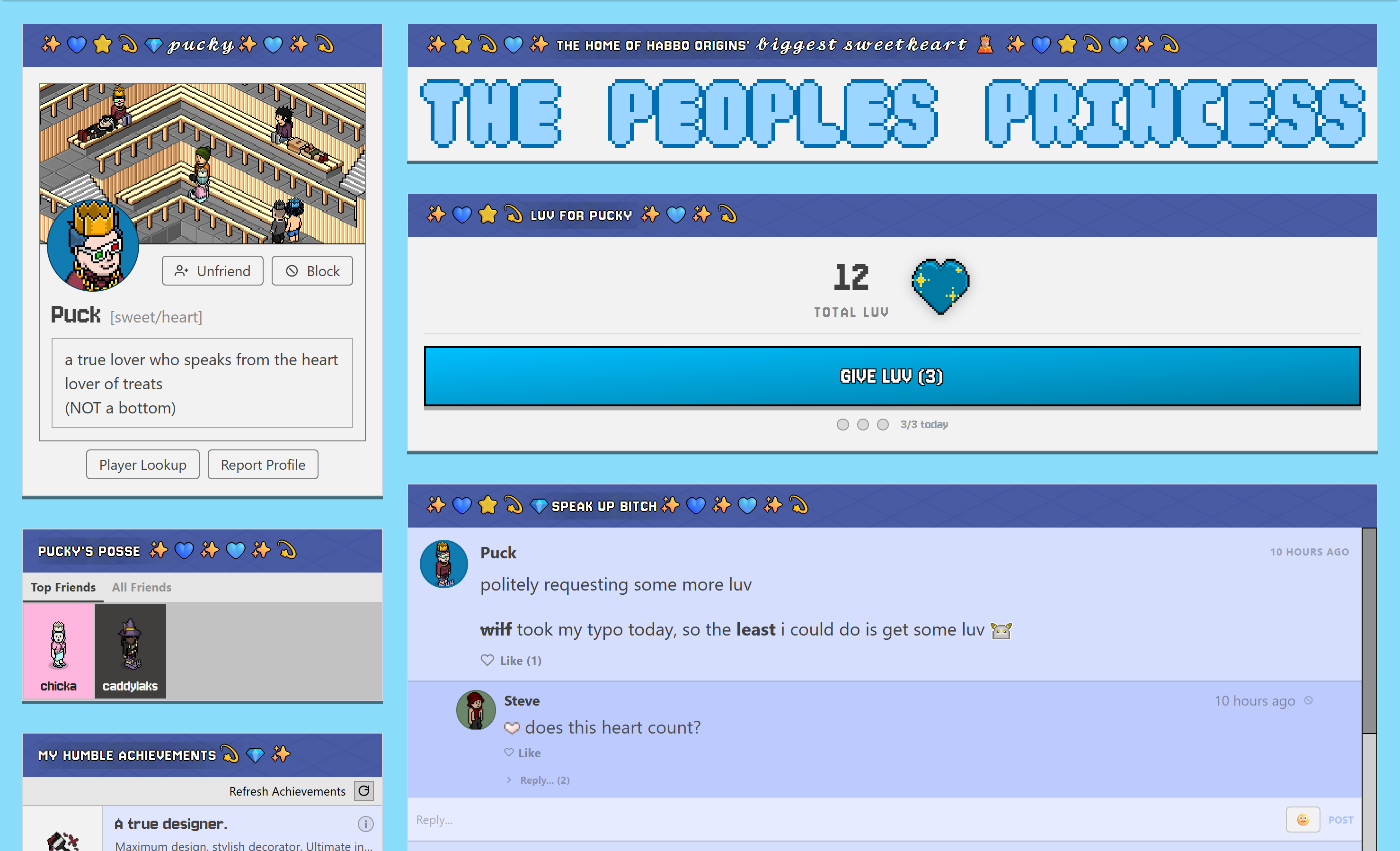
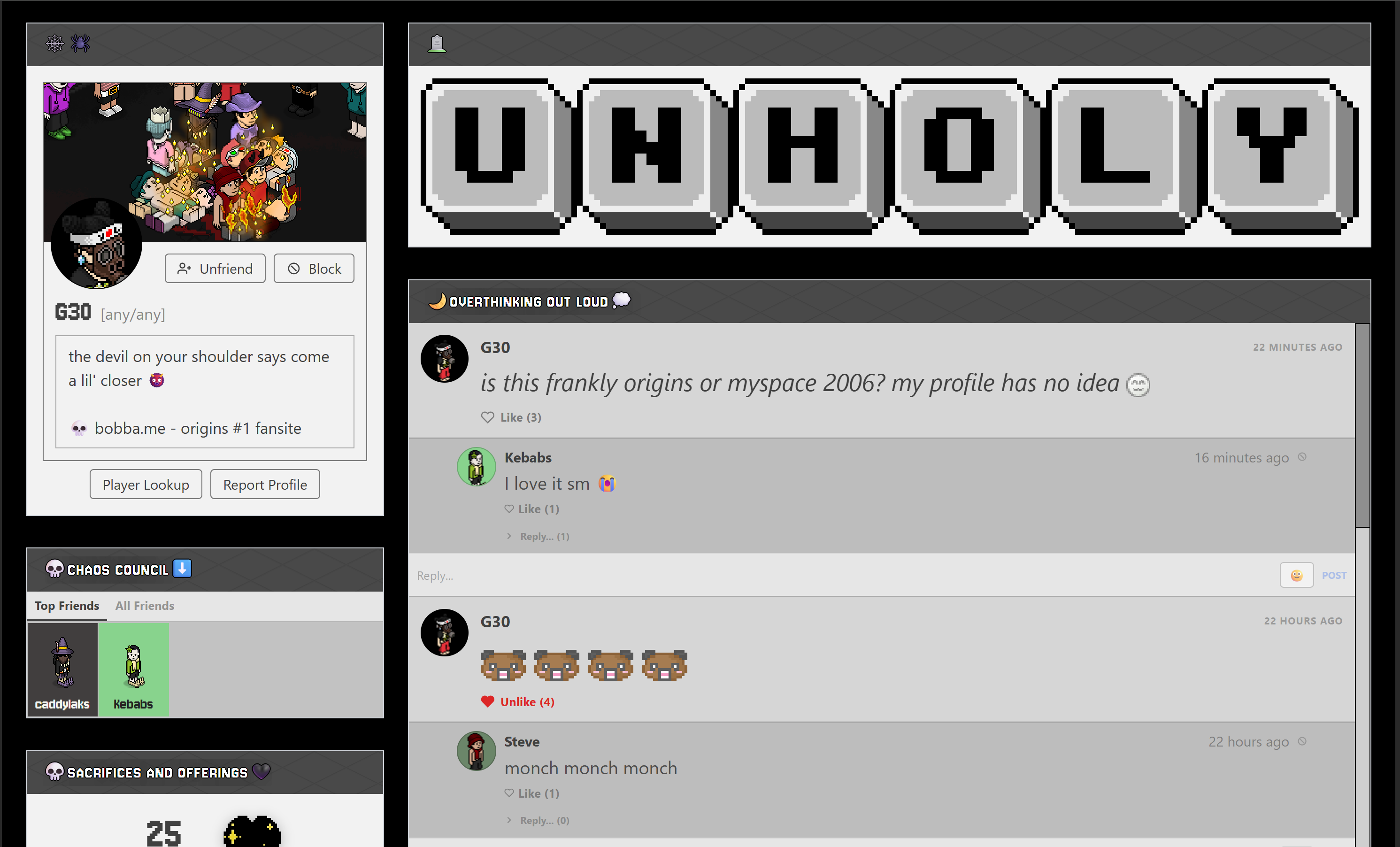
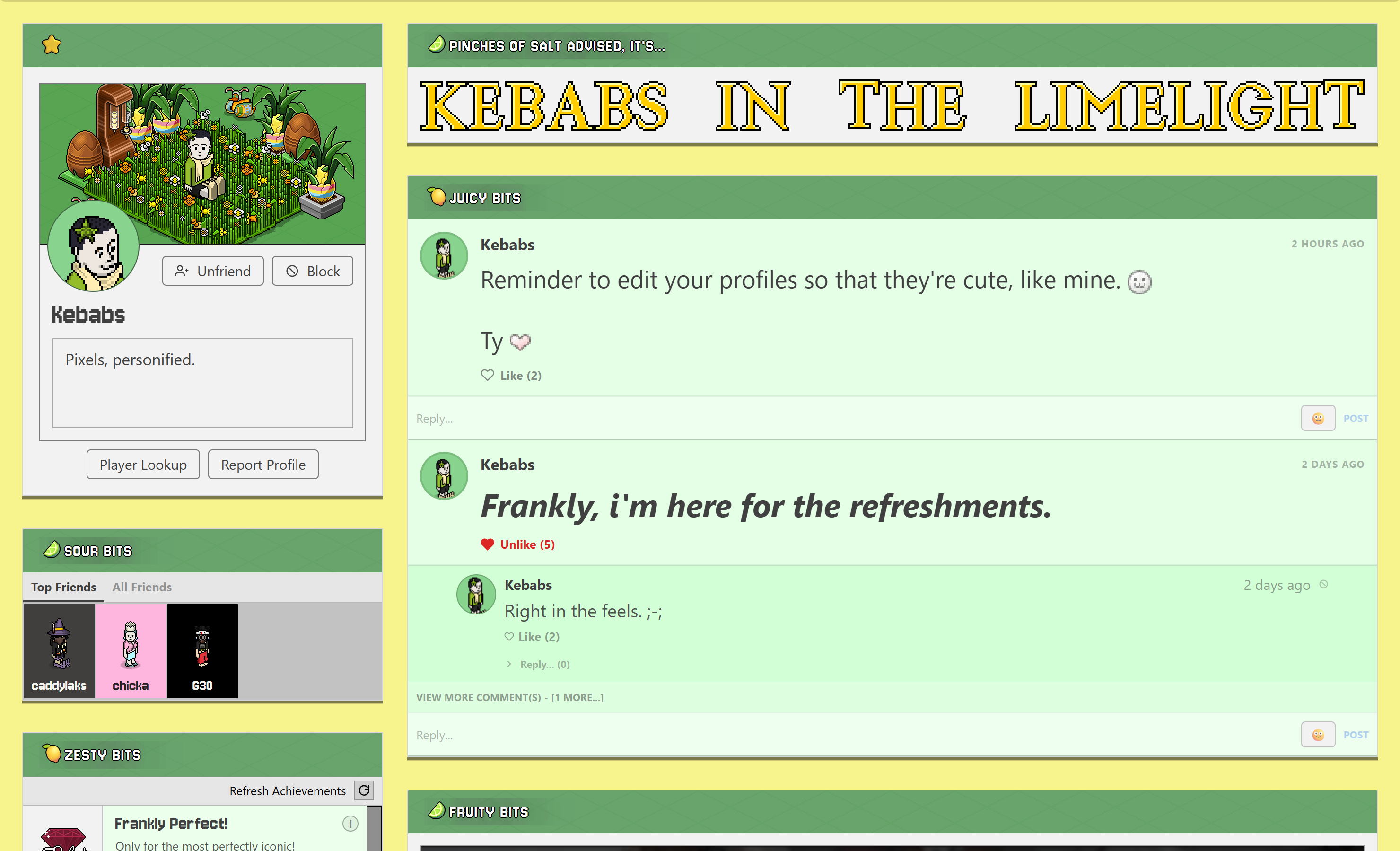
Below are some examples of profile pages that I really love and you can be inspired by!! Have fun and welcome to Frankly!! <3
 |
 |
 |